

Mintyfi Signage · Digital signage management
The right content.On the right screen.Right on time.
Manage screens across stores, restaurants, offices and branches from one place; create, schedule and publish content with confidence.
Live · 21 screens live
- Automatic setup via a link
- Plays through outages
- We set it up with you
From real operations
“A campaign change should not mean calling twelve branches one by one.”
Screen management should never slow the field down.
Signage carries centrally prepared content to the right branch at the right time. USB runs, outdated posters and ‘did the screen update?’ calls disappear.
- Branch 01
- Branch 02
- Branch 03
- Branch 04
- Branch 05
- Branch 06
- Branch 07
- Branch 08
- Branch 09
- Branch 10
- Branch 11
- Branch 12
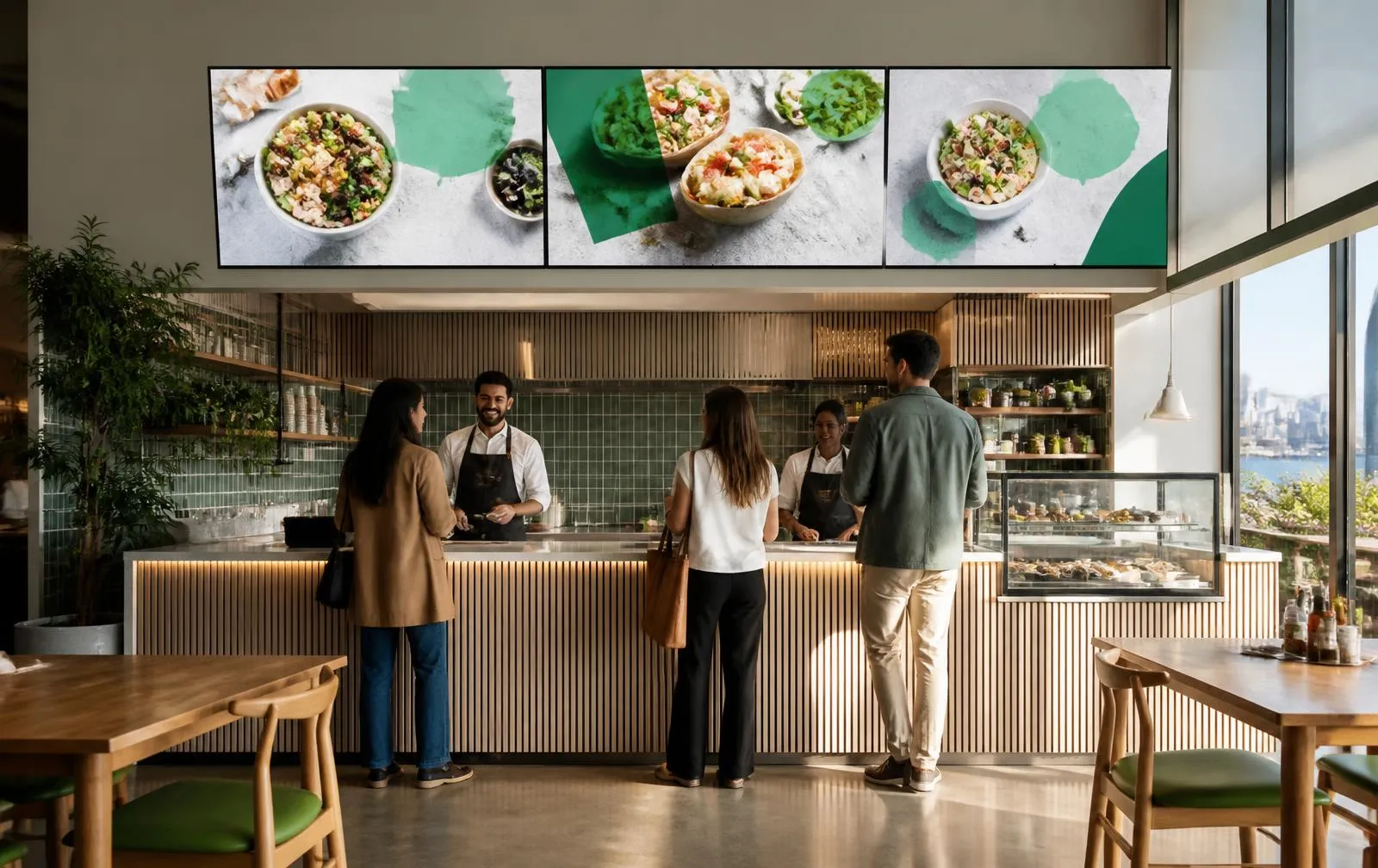
Restaurant
“Let the lunch menu go live automatically at 11:30.”
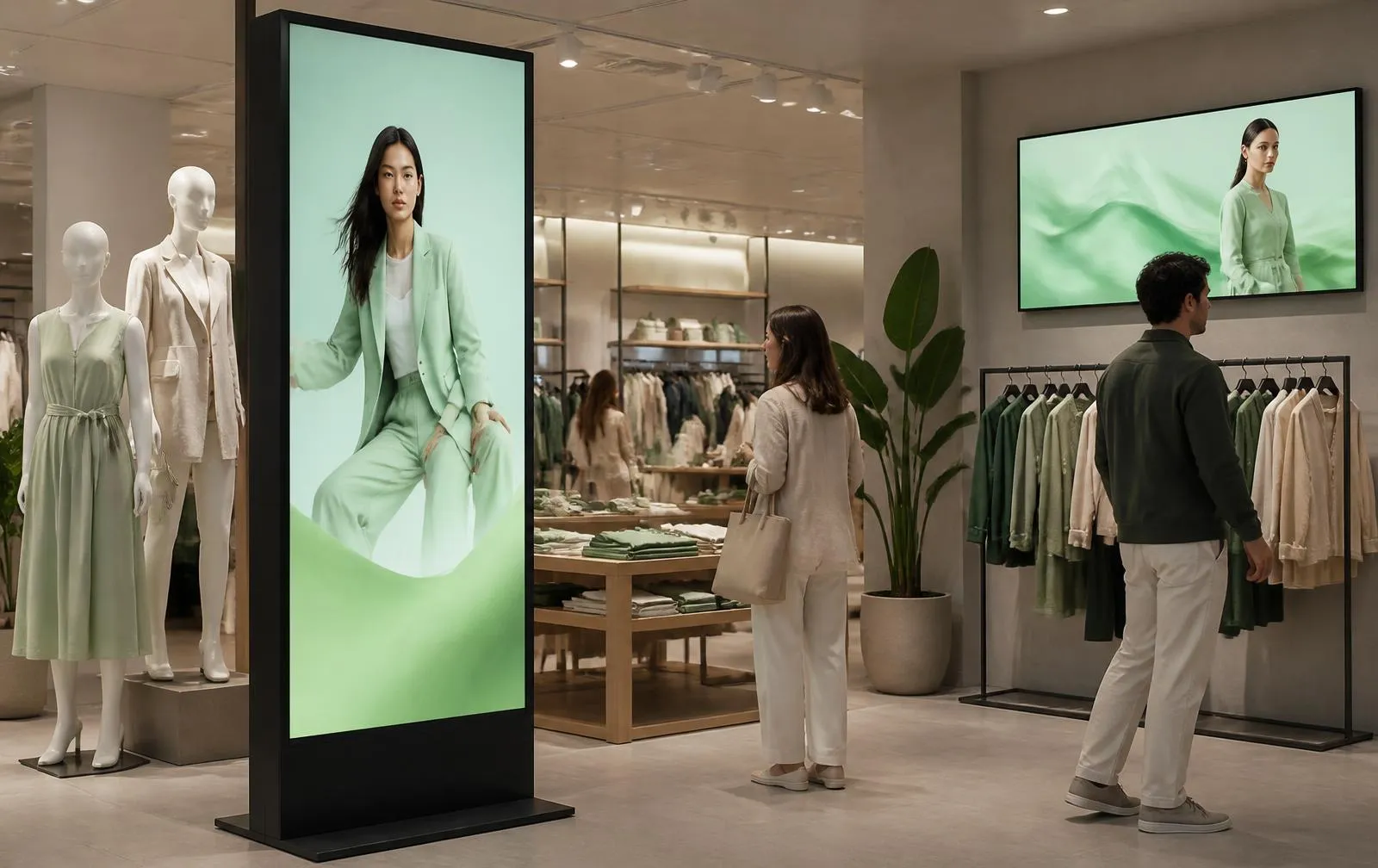
Retail
“Launch the new season window across every store at once.”
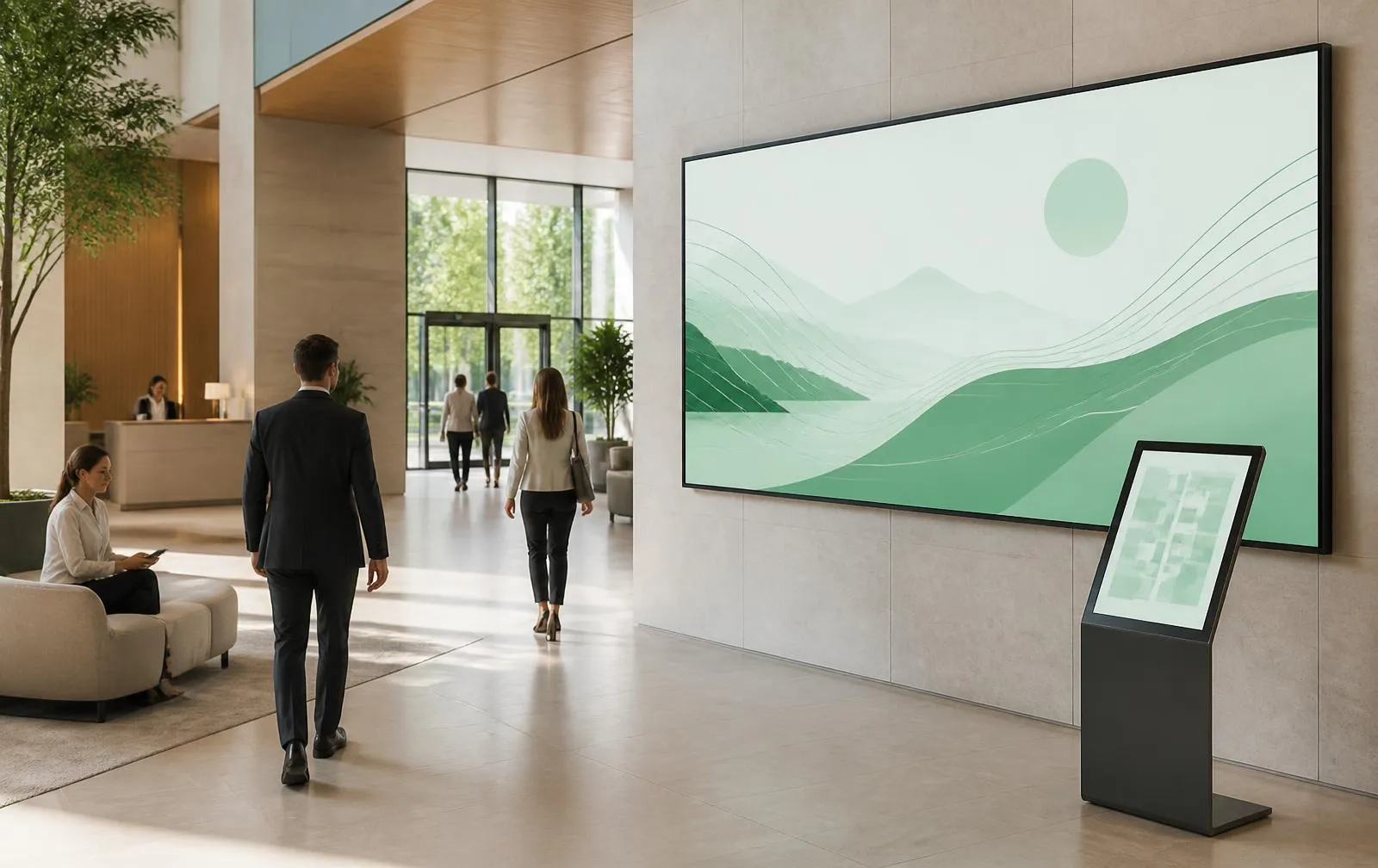
Office
“Show every visitor the right information on the right floor.”
One publishing flow
Create. Schedule. See it live.
Start by entering a link on the TV. Device management, design, publishing and scheduling all happen in Mintyfi, without sending a team on site.
- 01
Enter the link on your TV
Enter the provided URL on a supported TV. The app installs automatically and connects the screen to your Signage environment.
- 02
Manage and design in Mintyfi
Manage devices and broadcasts through the Mintyfi interface. Create content with the design tool or upload your images and videos.
- 03
Schedule and publish
Choose what plays on each screen and when, all in Mintyfi. Playback starts automatically and continues even when the internet drops.
Dayparts
Dayparted menus
Tie breakfast, lunch and dinner menus to time slots and let the screen switch itself.
Pick a time; the board changes by itself.
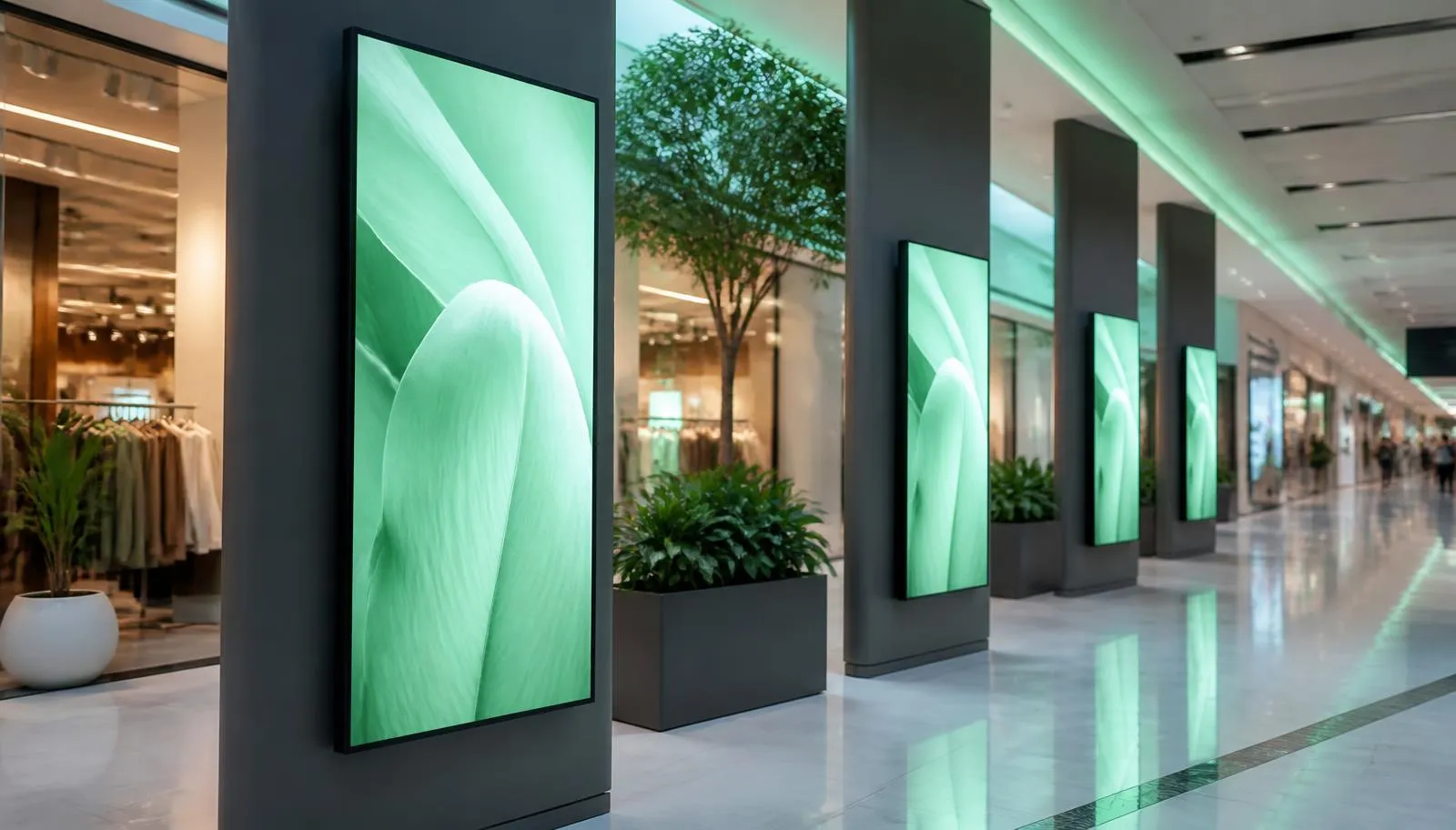
Operational gain
Your screens do more than stay on; they move with your business.
- 01
Minutes
Faster changes
New prices, campaigns and announcements reach every branch within minutes.
- 02
One view
Central control
See which screens are online and what each one is playing from one place.
- 03
Continuous
Reliable playback
Content keeps playing from the screen even when the internet drops.
How it goes today vs. with Signage
| Today | With Signage |
|---|---|
| Content carried to branches on USB sticks | Published from the panel, the screen downloads it |
| Nobody knows what each screen is playing | Live status and playback records per screen |
| Campaign launches slip by a day | The schedule flips itself at midnight |
| Screens go black when the internet drops | Content is local, playback continues |
| Unclear who changed what | Audit log shows the user, time and action |
Supported screens
Works with the screens you already own
LG webOS and Android TV are ready today. Samsung Tizen is on the roadmap. Where there is no signage screen, the browser player is enough.
-
Ready
LG webOS Signage
Native webOS player. No extra hardware — enter the URL on the TV for automatic installation and connection to Signage. Auto-start, scheduled power and remote restart supported.
-
Ready
Android TV / Android box
Turn any HDMI screen into signage with a $30–60 box. Kiosk mode, auto-start and remote updates included.
-
On the roadmap
Samsung Tizen
A native Tizen player is in development. Today you can drive Samsung screens with an Android box or the browser player.
-
Ready
Browser player
Full-screen browser on a mini PC, laptop or interactive board. The fastest route for trade shows, meeting rooms and temporary setups.
One panel. Every ratio and location, under the same publishing discipline.
Why Mintyfi Signage
Less chasing. More consistent communication. Faster operations.
Works with LG webOS and Android TV. Design, scheduling and screen monitoring share one flow. We set up the two-week pilot with you.
- Protects your existing screen investment
- Product and support in your language
- Playback continues; control stays with you
Free pilot
Two weeks, five screens, we do the setup
We run the pilot with you: connect the screens, prepare the first content, build the schedule. If it is not for you, there is no commitment.
Email: info@mintyfi.com