

Workplace information screens
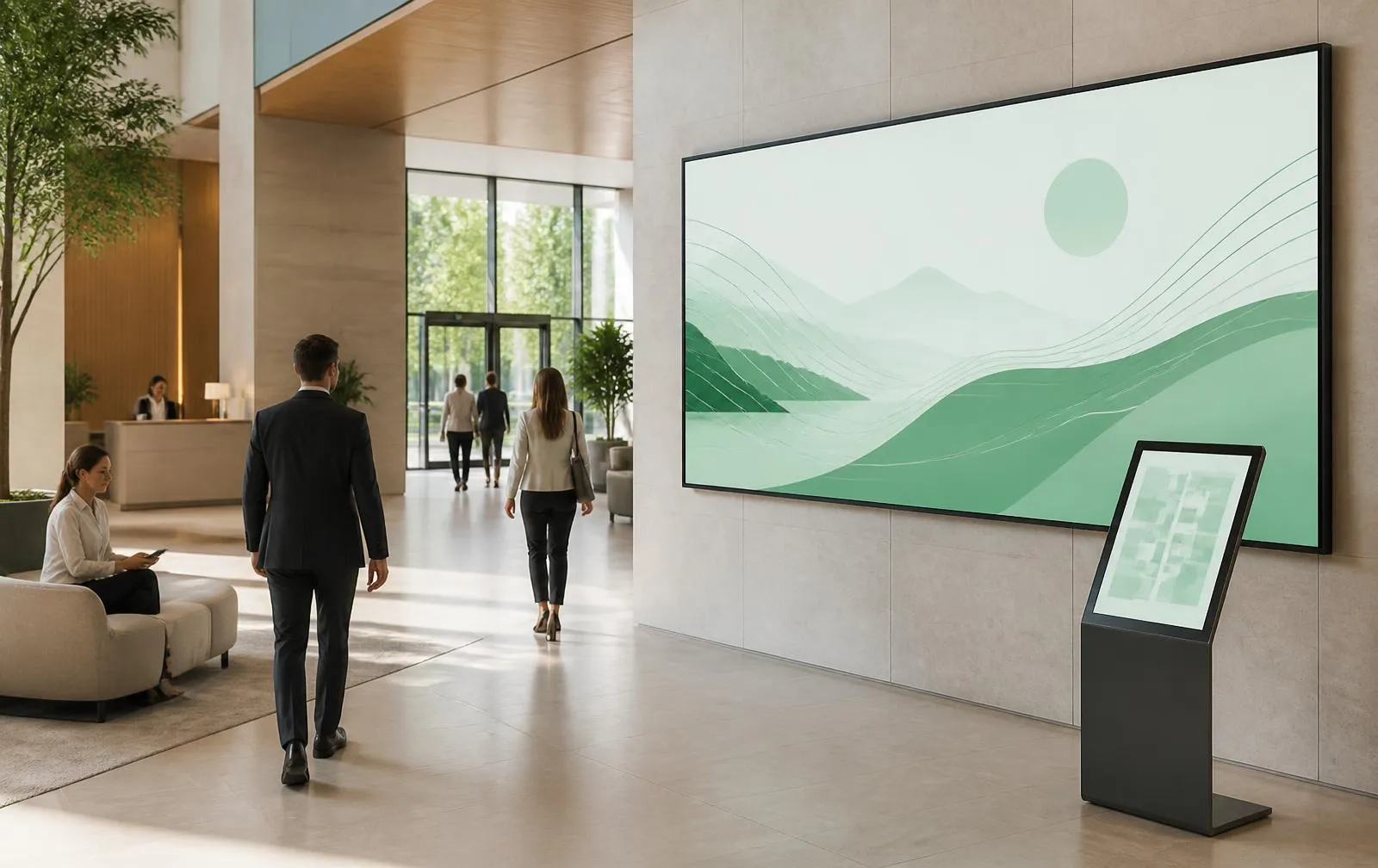
Workplace screens: announcements, production boards and welcome displays
Manage screens across offices, factories and hospital corridors from one panel. Announcements, shift information, safety messages and welcome displays all publish from the same system.
Problem
What internal communication runs into
-
Nobody reads the notice board
Paper notices go out of date and people stop stopping to read them.
-
Email does not reach everyone
Most field and production teams have no email access during the day.
-
Screens are updated one by one
A separate computer and deck per floor means walking the whole building for one message change.
-
The welcome screen goes stale
The display at reception still shows content from months ago, which visitors notice.
Solution
Internal communication screens with Signage
- 01
Announcement templates
Set up notice, birthday, safety and target-board templates once, then only change the text.
- 02
Floor and department groups
Publish to a building, floor or department so each team sees what concerns them.
- 03
Shift and time planning
Schedule different content at shift changes and a welcome mode outside working hours.
- 04
Urgent notices
Push a priority message ahead of everything else and get it on screens immediately.
- 05
Separated permissions
HR, safety and marketing each manage their own area, with an optional approval step.
- 06
On-premise installation
For organisations that keep data inside, we run the same software on your own server.
Step
Setup: 3 steps
- 01
Pair the screen
Enter the provided URL on the TV. The app installs automatically and connects to Signage. Manage everything else in Mintyfi, without an on-site installation team.
- 02
Set up templates
Prepare notice and board templates once, in your corporate identity.
- 03
Publish
Pick floors, departments and hours, publish, and the rotation runs itself.
Frequently asked questions
Does company data leave our network?
In the cloud setup content is stored on our infrastructure; organisations that prefer otherwise can run the same software on-premise so data never leaves.
How many users can I add?
Users are unlimited. Each user gets a role and location permissions.
Can I use my existing slide decks?
You can upload images and video directly. For boards that change often, building a template in the design tool is more practical.
Can I show an emergency message?
Yes, a priority publication jumps ahead of the rotation and appears on the screens you choose immediately.
Can screens switch off after hours?
On screens that support it, on/off times can be scheduled; on others a simple after-hours welcome loop is published instead.
Other solutions

Free pilot
Two weeks, five screens, we do the setup
We run the pilot with you: connect the screens, prepare the first content, build the schedule. If it is not for you, there is no commitment.
Email: info@mintyfi.com