

Digital menu boards
Digital menu boards: change a price in a minute, publish to every location
Menu screen management for cafes, restaurants and chains. Design the menu in the panel, update prices from one place, and keep screens playing even when the internet drops.
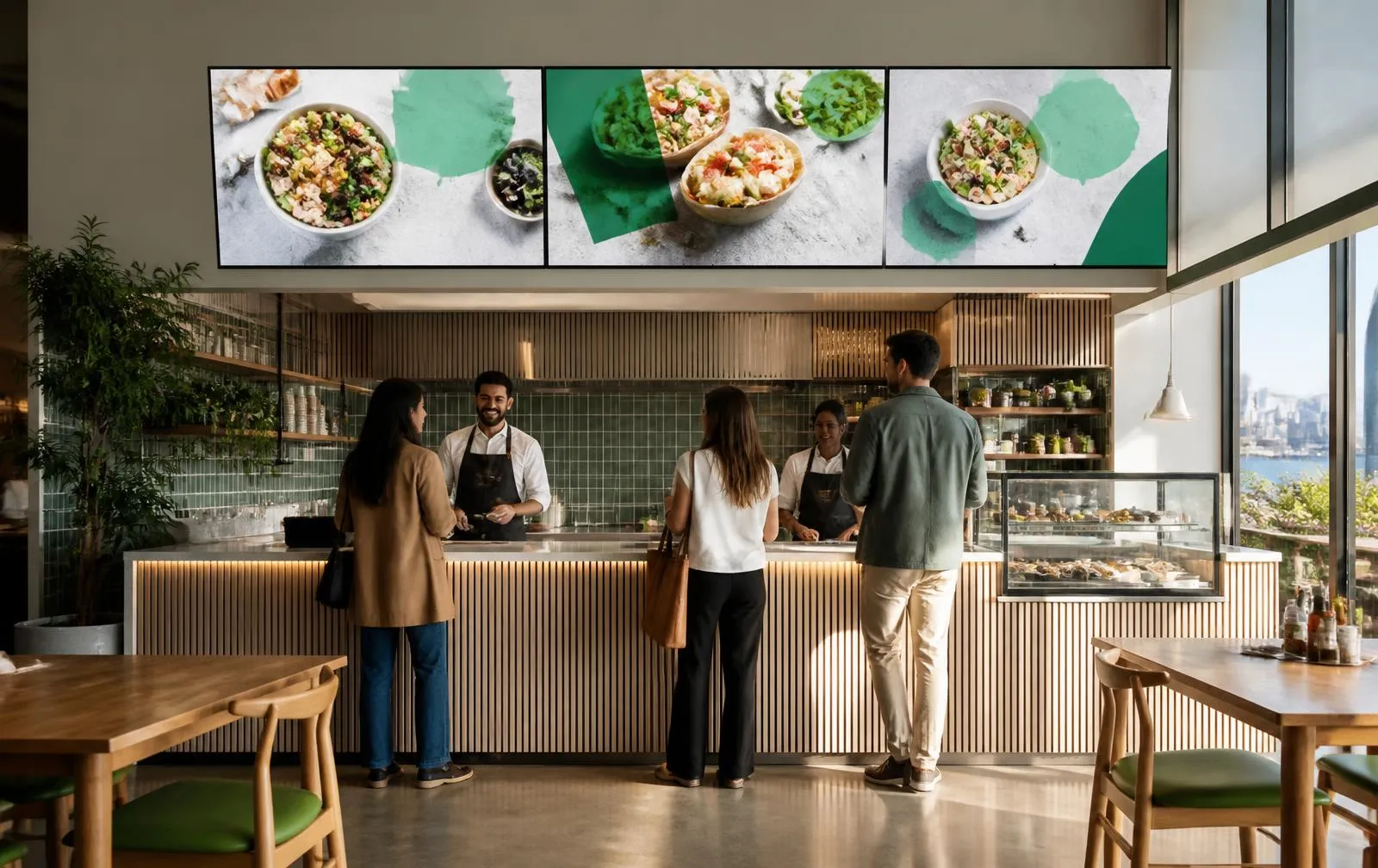
Problem
What goes wrong with printed menus
-
Every price change means a reprint
Design, print and delivery costs each time — and outdated prices stay on the wall for days.
-
Locations look different
Some branches put up the campaign, some don't. Brand consistency slips out of your control.
-
Sold-out items stay on screen
Removing an item means calling someone and waiting.
-
Content travels on USB sticks
Nobody knows who uploaded which version, and screens quietly go blank.
Solution
How menu screens work with Signage
- 01
Menu templates and design tool
Place products, prices and images with the drag-and-drop editor. Set the template once, then only update content.
- 02
Update prices from one place
Change a price in the panel and every connected location moves to the new version.
- 03
Dayparted menus
Tie breakfast, lunch and dinner menus to time slots and let the screen switch itself.
- 04
Playback continues offline
Content is stored on the screen, so a dropped connection never blanks the menu.
- 05
Location and group control
Give locations with different prices their own lists and target campaigns by group.
- 06
Works with your screens
LG webOS and Android TV are ready today, other screens via the browser player; Samsung Tizen is on the roadmap.
Step
Setup: live the same day
- 01
Pair the screen
Enter the URL on the TV. The app installs automatically and connects to Signage, without an on-site installation team.
- 02
Build the menu
Pick a menu template, enter products and prices, upload images.
- 03
Publish
Choose which locations and which hours it should run, then publish.
Frequently asked questions
Which screen should I buy for a digital menu board?
LG webOS commercial displays and Android TV devices are supported directly. Other screens can connect through the browser player. Based on counter distance we usually suggest 43-55 inch commercial (24/7) models.
Who updates the menu — is technical knowledge needed?
The panel is simple enough for a store manager: enter the product and price, then publish. No technical team required, and permissions can be limited per person.
Does the menu disappear if the internet goes down?
No. Content is stored on the screen, so the last published version keeps playing and updates automatically once the connection returns.
How many locations does it handle?
The same panel covers a single cafe up to a multi-location chain. Group locations in the location tree and manage publishing per group.
Can I play video and animation?
Yes — images and video can sit inside the menu layout, and you can schedule different content per daypart.
Other solutions
Free pilot
Two weeks, five screens, we do the setup
We run the pilot with you: connect the screens, prepare the first content, build the schedule. If it is not for you, there is no commitment.
Email: info@mintyfi.com