

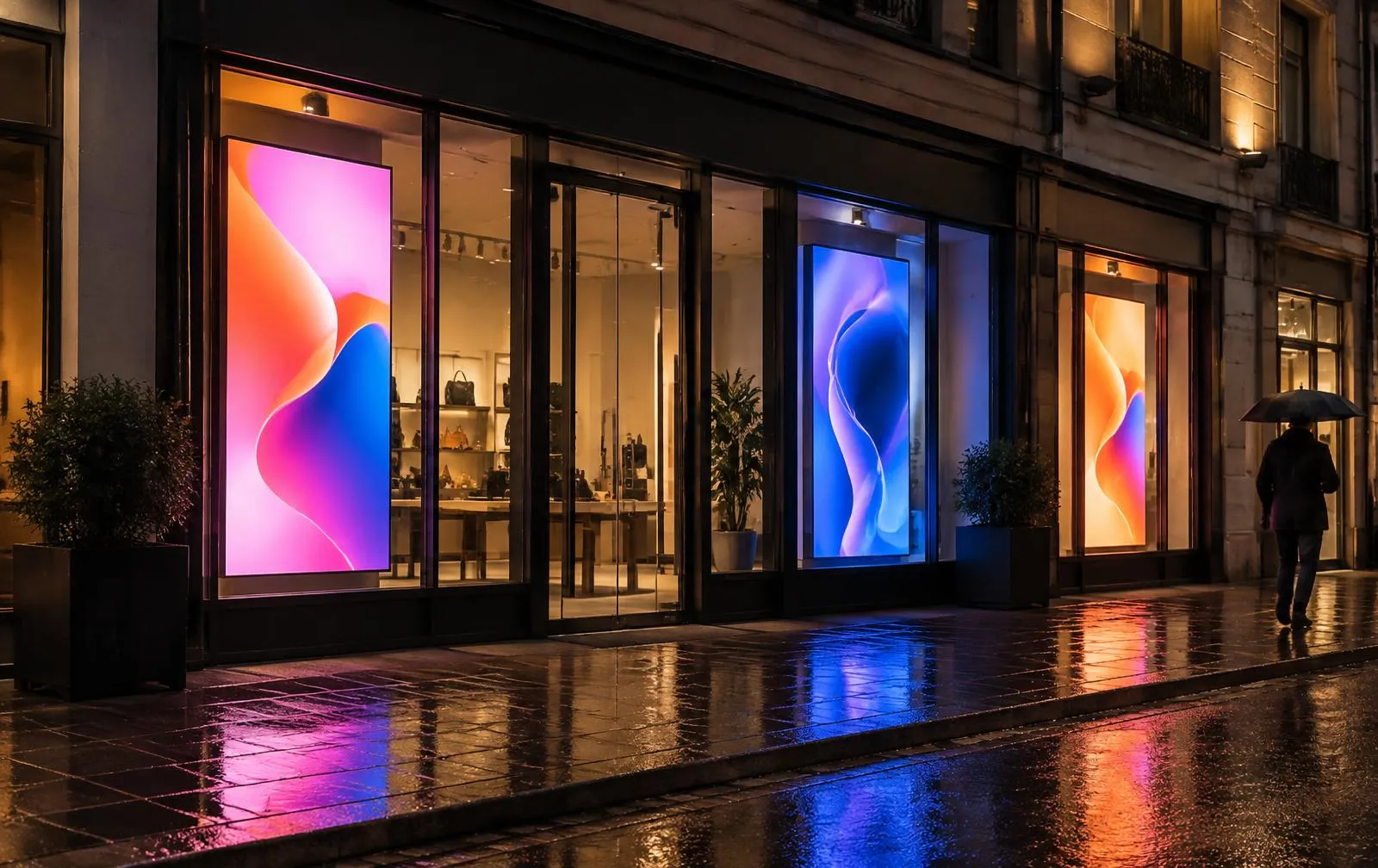
Three main types and viewing distance
Three technologies look interchangeable; viewer distance and ambient light separate them.
- LCD signage panel: 1-6 m. Window fronts, in-store, menu walls, office boards. Sharpest at close range.
- Digital poster or freestanding totem: 1-5 m. Entrances, corridors, trade shows. Usually portrait.
- LED wall: 6 m and beyond. Building facades, car parks, stadiums. Pixels show up close.
Four factors that set the price
When two screens of the same size differ sharply in price, the gap is almost always in one of these lines.
- Brightness: 350-500 nits indoors, 2,500 nits and above for sunlit windows.
- Duty cycle: 16/7 and 24/7 rated panels cost more but fail less.
- Pixel pitch (LED): tighter pitch means a sharper image and a higher price per square metre.
- Environmental protection: outdoor cabinets, heating, cooling and ingress protection add cost.
Buying the display is not enough: the content cycle
The most common field problem is a display installed and then left unchanged for six months. At that point it does less work than a printed poster.
Treat the display as a channel: who designs, how often it changes, who approves and whether the screen really played it.
- Set a fixed change rhythm, weekly or per campaign.
- Templatise the design instead of starting from scratch.
- Schedule by hour: morning, midday and evening flows.
- Track device status and last update from the panel.
What it takes to run the display
Whatever the brand, remote updates, scheduling and auditing need management software behind the screen. Signage provides that layer for LG webOS screens and Android TV devices.
- Enter the URL on the TV; the app installs automatically and connects to Signage. Device management, design, publishing and scheduling happen in Mintyfi, without an on-site installation team.
- Design in the built-in editor or upload finished files.
- Schedule playback; content is cached locally so a dropped line keeps playing.