

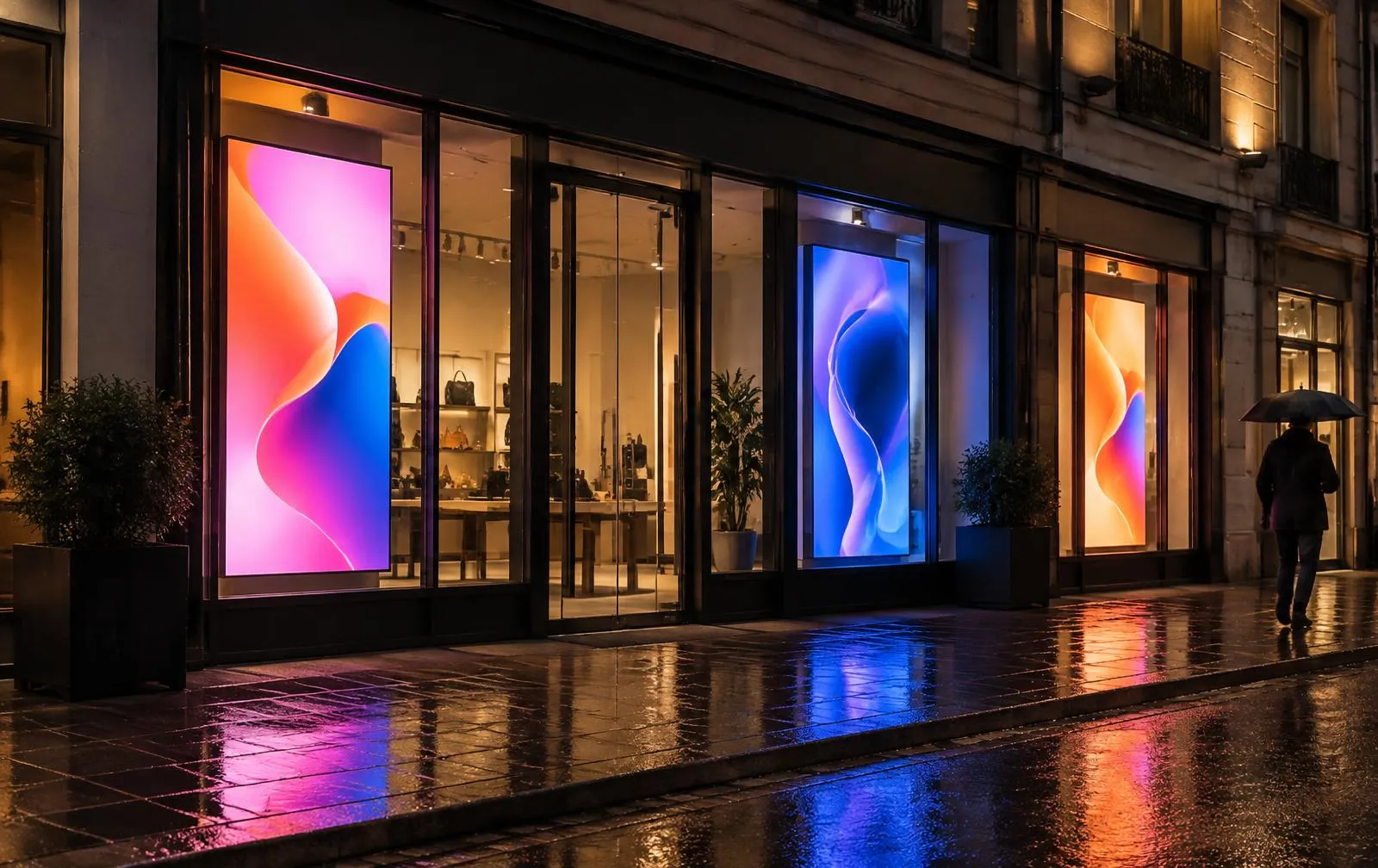
The three parts of a signage setup
Whatever the brand, every deployment has the same three parts. Skip one and the system still runs, but it stops being manageable.
- Screen: a professional signage panel or a suitable TV. Brightness matters in storefronts; duty cycle matters indoors.
- Player: the system inside the screen (LG webOS, Android TV) or an external Android box. It downloads and plays content.
- Management software: where you design, schedule and publish, and where you check what each screen is actually playing.
What changes versus printed posters
With print, cost repeats on every change: design, printing, shipping, and someone putting it up. With signage that cost happens once at install, and later changes take minutes.
The second difference is verification. A printed poster can only be confirmed with a photo. Each screen reports its own state: online or not, what is playing, when it last updated.
- Campaign changes: days in print, minutes on screen.
- Per-location differences: separate prices, languages or product lists.
- Time-based playback: coffee in the morning, dinner menu in the evening.
Where it pays off most
Screens earn their keep where content changes often or where the decision is made right in front of the screen.
- Cafes and restaurants: menu boards, promotions, allergen and price updates.
- Retail: storefront, shelf-edge and queue screens.
- Offices and plants: announcements, shift, production and safety boards.
- Healthcare and public sector: queueing, information and wayfinding.
Three common first-install mistakes
Most problems we see in the field come from planning, not software.
- Putting a consumer TV in a storefront: unreadable in daylight and not built for long duty cycles.
- Relying on live streaming: the screen goes black when the line drops. Content should be downloaded to the screen.
- Designing the menu as a single flat image: any price change means redoing the artwork.